← Back to Work

How to link Pearson with Google Classroom

ProjectHow to link Pearson with Google Classroom
ClientPearson Education
RoleArt Director, Creative Director, Motion Designer & Animator, Writer & Editor, Voice Over Programmer
SoftwareAdobe After Effects, Adobe Illustrator, Adobe Premiere Pro
Turnaround1 week

Pearson Education needed an explainer video introducing its new partnership with Google and the Pearson integration with Google Classroom, for use in marketing communications, on Pearson's support site, and on its YouTube channel. To prepare, I met with Pearson's Integrations and Onboarding lead to learn how the integration works and to scope the project. The audience is K-12 educators who use Pearson.

I leaned into Pearson's recent rebrand, creating title and logo animations that match the new brand standards and visuals, and kept the tone casual and conversational. The voice over was generated with an AI voice tool Pearson had recently adopted, and part of the project was to test the tool's strengths and limitations.
Final edit.
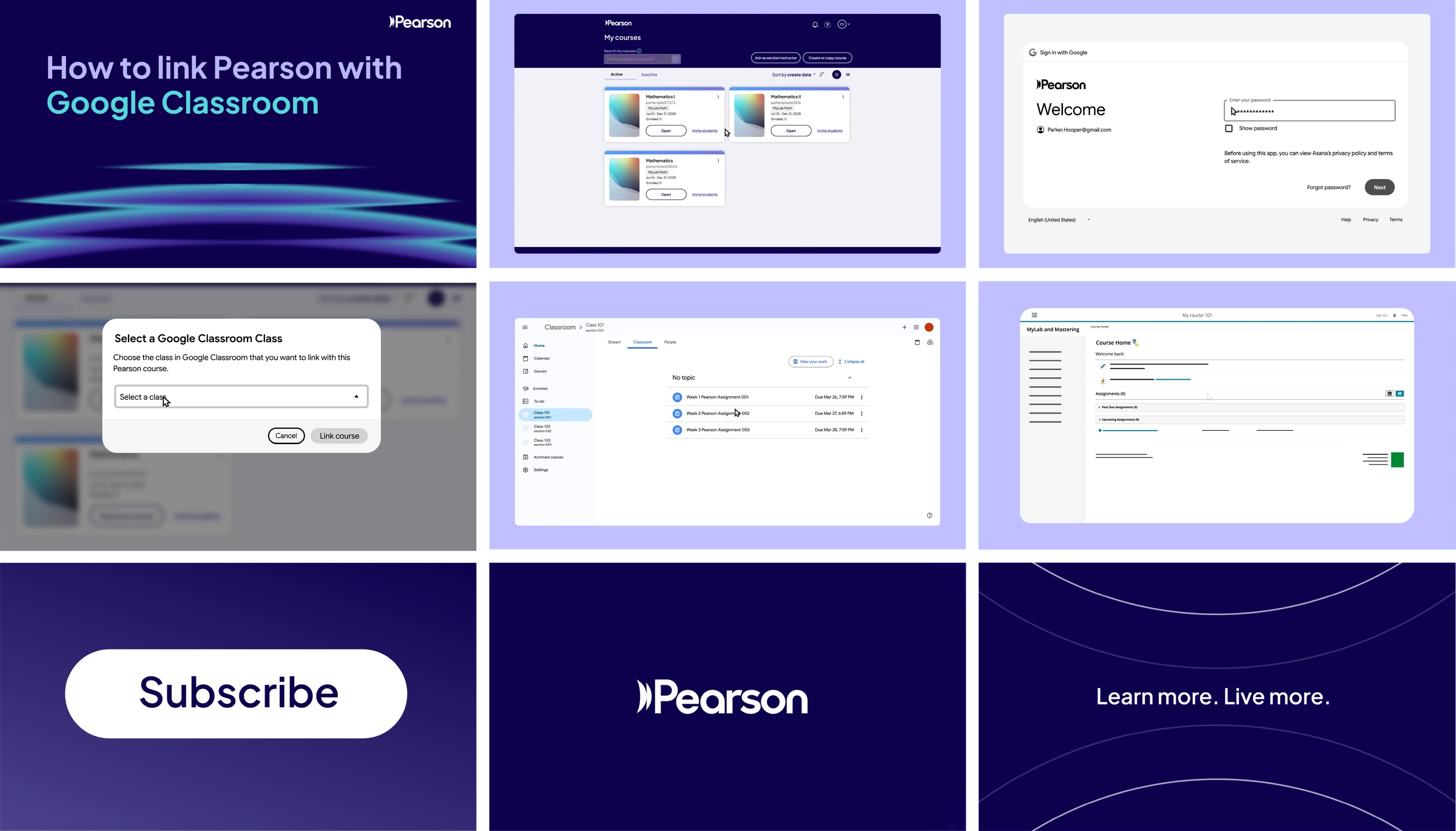
Style frames for the How to link Pearson with Google Classroom video: title card, UI screens, subscribe button, Pearson logo and outro
Style frames.
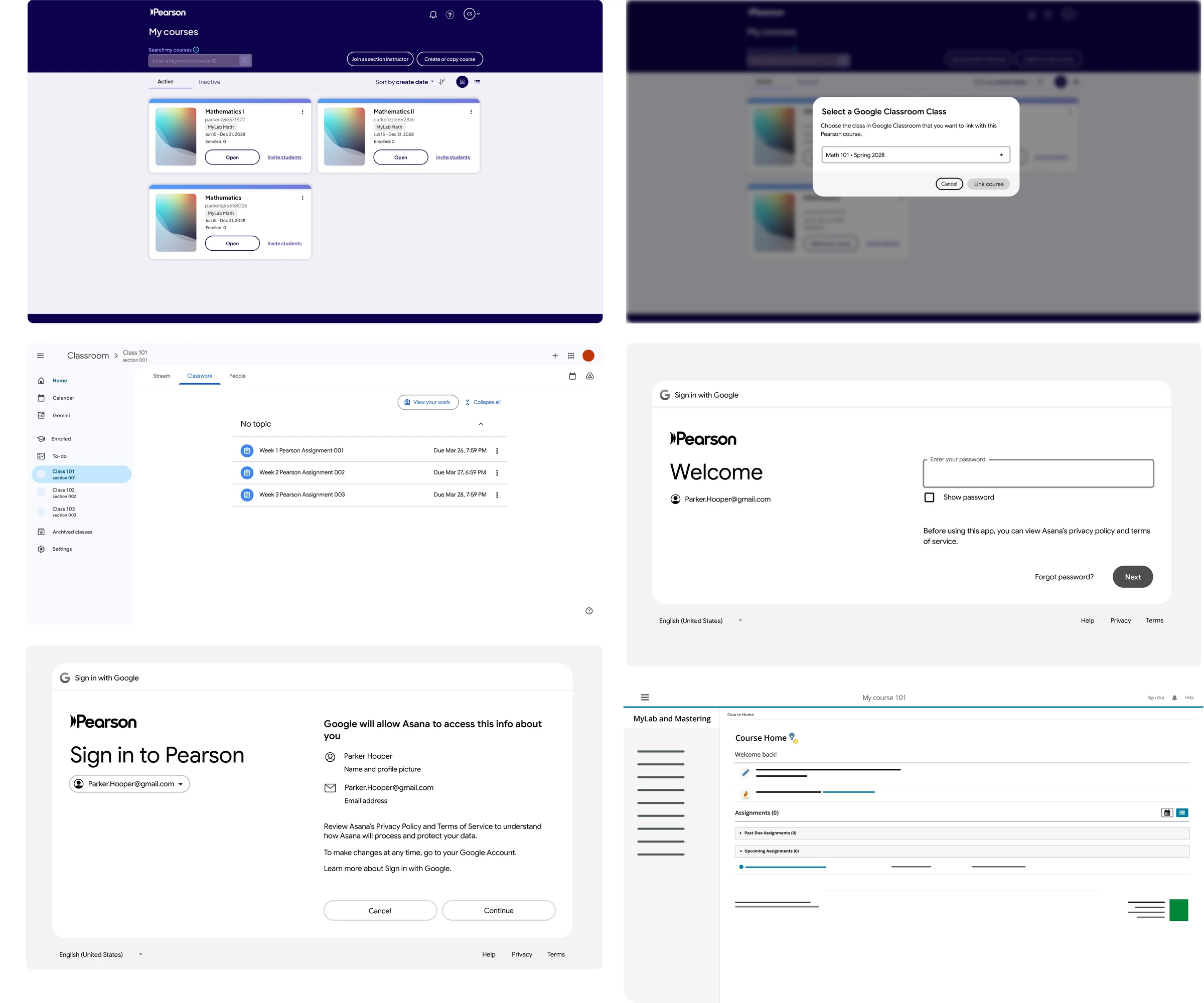
Collage of the Pearson, Google Classroom and Sign in with Google interface screens used in the video
UI collage, screens created for the video.
Custom animated Subscribe button
Custom “Subscribe” button animation, created for the video.
Custom outro animation reading Learn more. Live more.
Custom outro animation, created for the video.