← Back to Work

How to Access Your Pearson eTextbook

ProjectHow to Access Your Pearson eTextbook Tutorial Video
ClientPearson Education
RoleArt Director, Creative Director, Motion Designer & Animator, Writer & Editor, Voice Over Artist
SoftwareAdobe After Effects, Adobe Premiere Pro, Adobe Illustrator
Turnaround1 week

Pearson Education asked for a marketing video explaining to students the various ways they could access their Pearson eTextbooks. Pearson was seeing a high volume of help tickets tied to student confusion around eText access.

After the video published across Pearson's support pages and social media accounts, help tickets for the issue dropped by 30%.
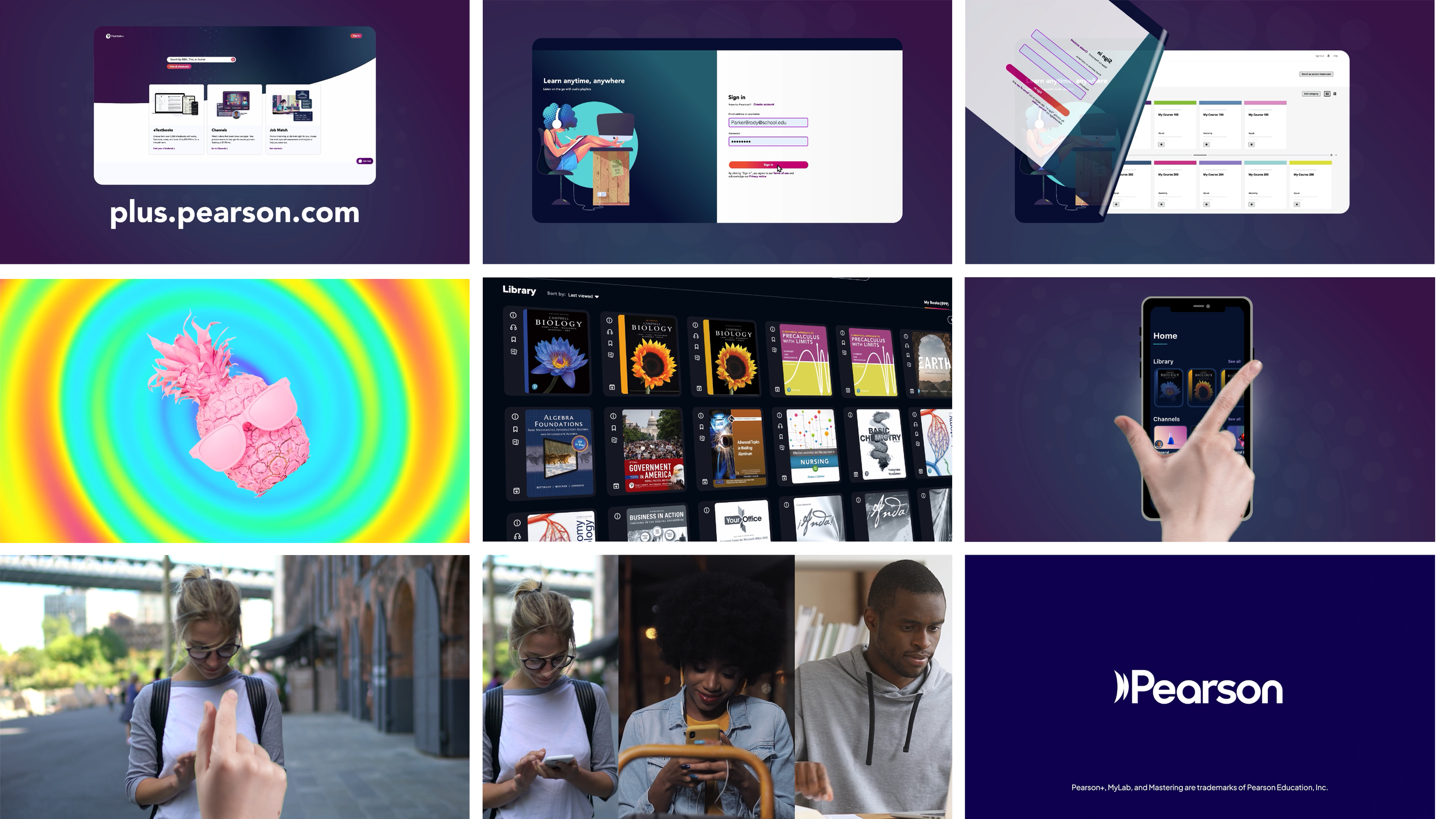

Final edit.
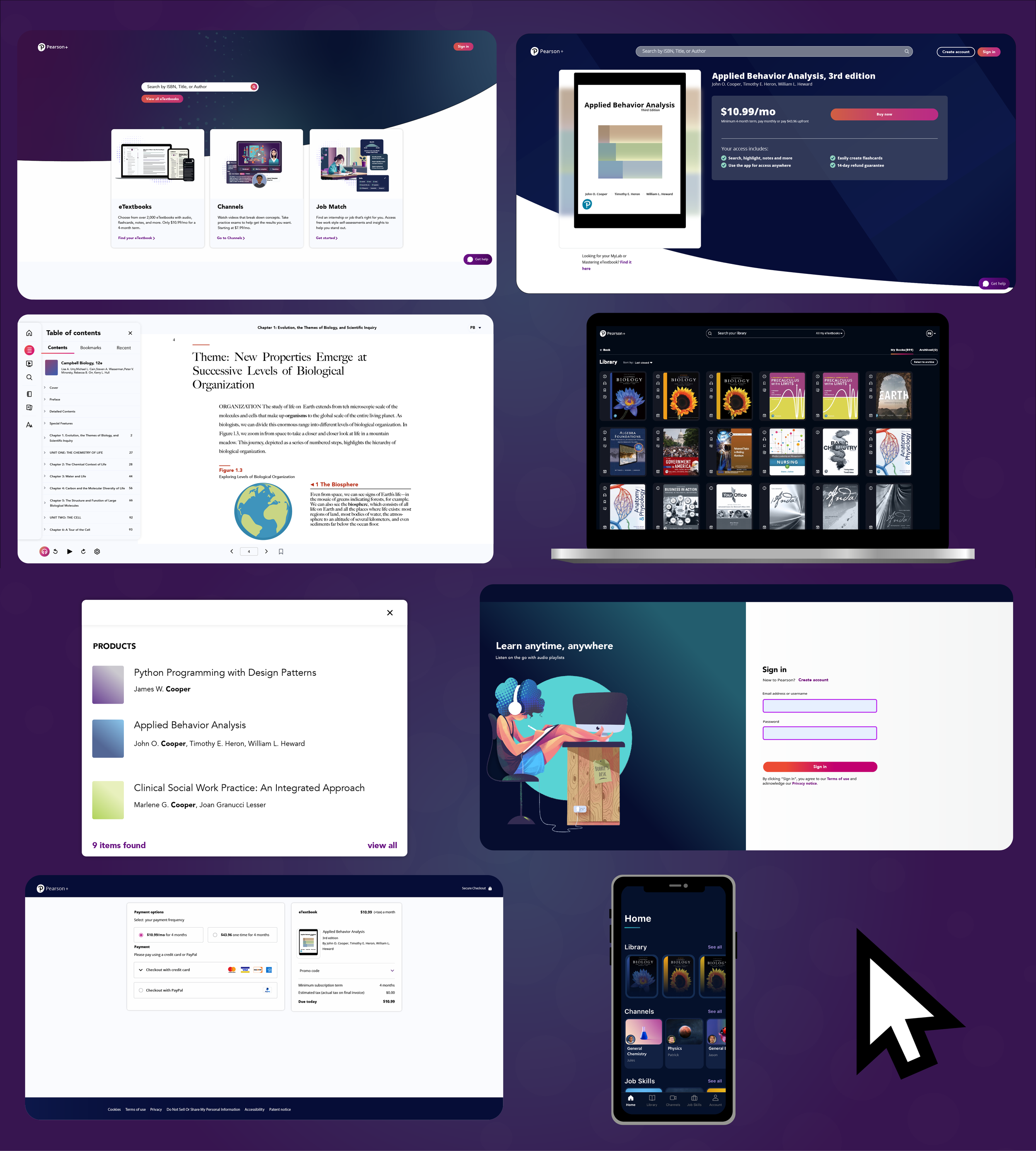
Style frames explored for the Pearson eTextbook video
Style frames.
Chroma key composite combined with product graphics and stock footage
Chroma key composite, combined with product graphics and stock footage, used to transition to the video outro.
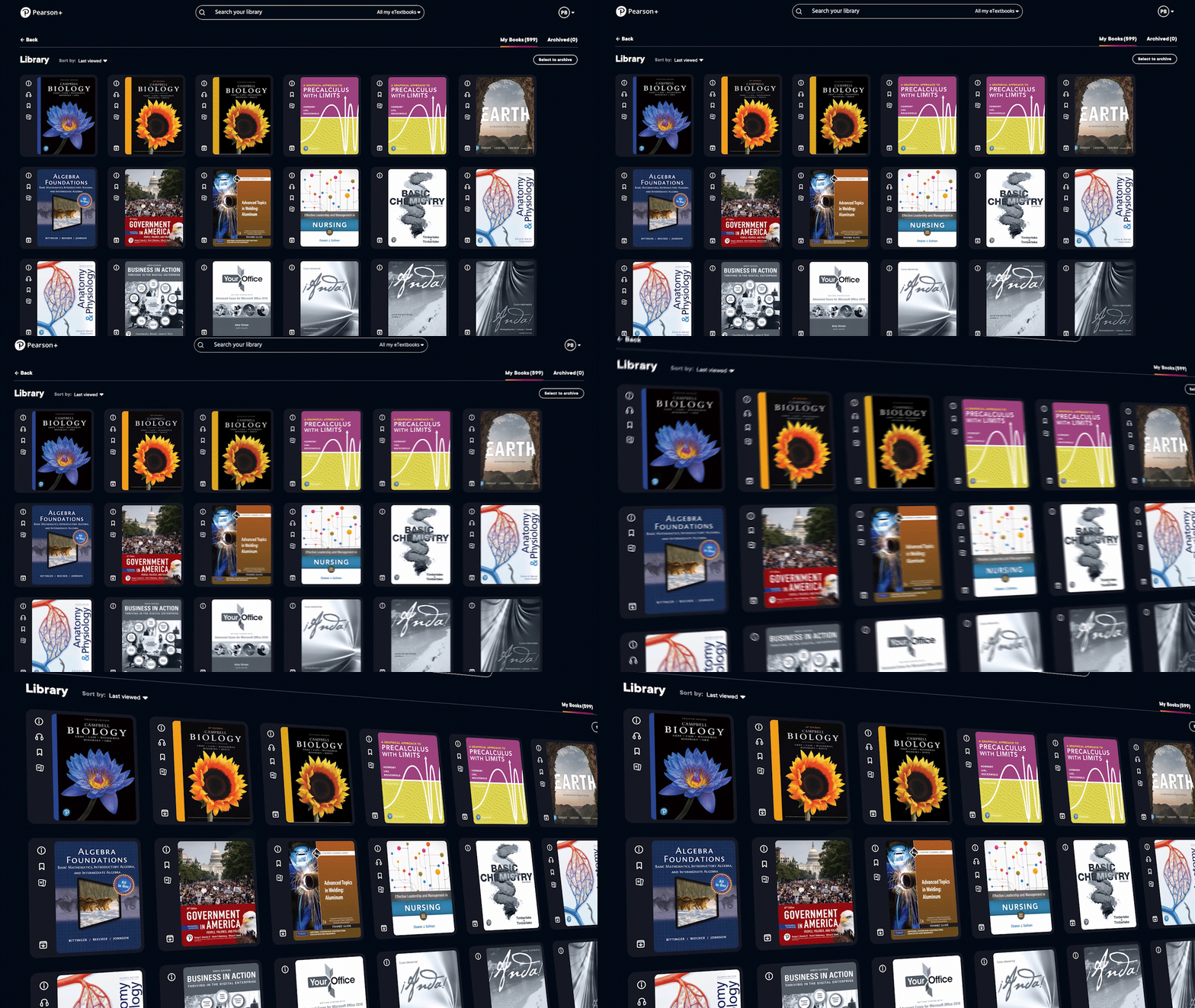
3D product shot of the Pearson library screen
3D product shot, created to introduce movement and energy to a static product capture.
UI vectors created in Adobe Illustrator for the Pearson eTextbook video
UI vectors, created in Adobe Illustrator for the project.
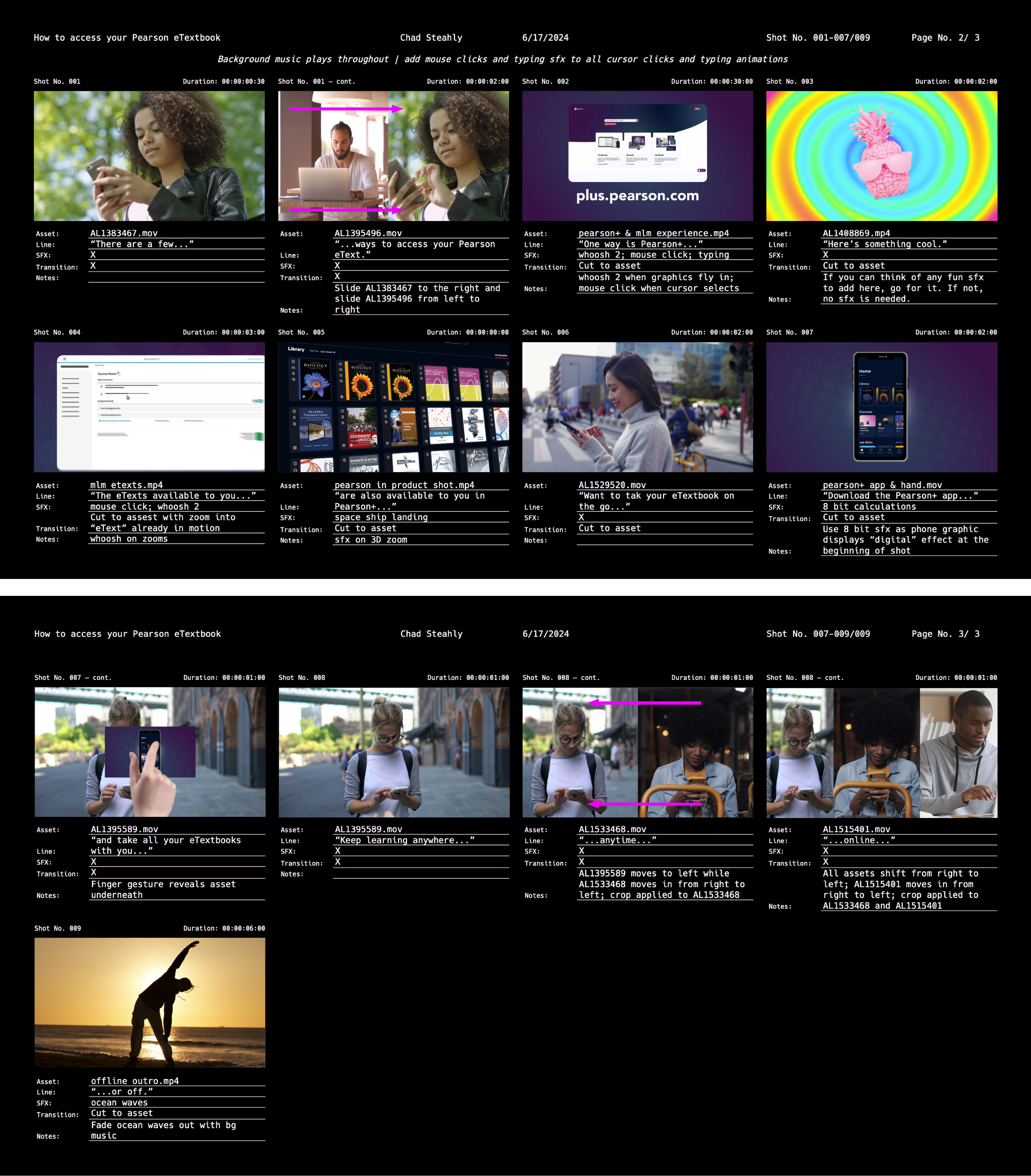
Storyboard for the Pearson eTextbook video
Storyboard.